How I Setup My OpenClaw as a Professional Developer (Insanely Powerful)
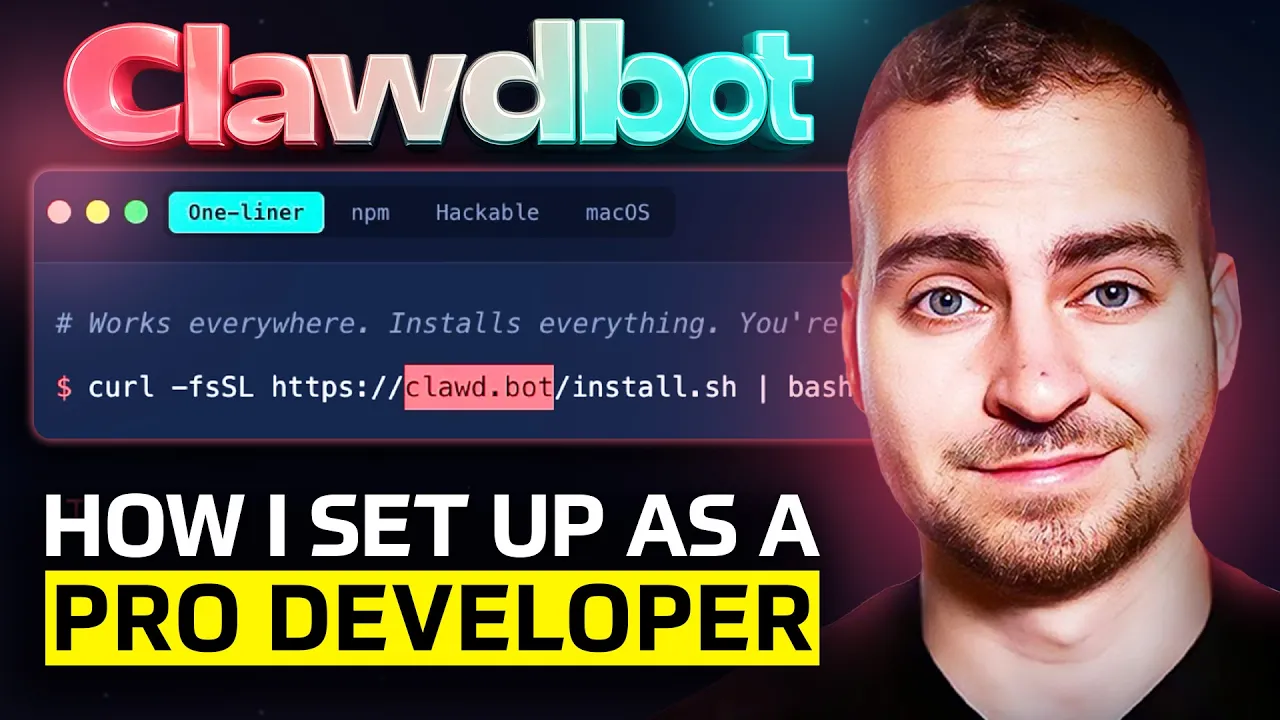
Using an AI Bot as a Personal Assistant: My Experience with Claudebot
As a YouTuber and content creator, I'm always looking for ways to optimize my workflow and save time. Recently, I've been experimenting with using an AI bot, specifically Claudebot, as a personal assistant. In this post, I'll share my experience with setting up and using Claudebot, highlighting its capabilities and limitations.
Setting Up Claudebot
To get started with Claudebot, you need to have an account on the OpenAI platform. Once you've set up your account, you can create a new bot and start configuring it. The setup process involves several steps:
- Choosing a name: Give your bot a name that suits your needs.
- Selecting skills: Choose from a range of pre-built skills or create custom ones to match your requirements.
- Configuring settings: Set up the bot's language, tone, and other preferences.
Using Claudebot as a Personal Assistant
Once I had set up my Claudebot account, I started experimenting with its capabilities. Here are some of the tasks I assigned to it:
- Accounting: I connected the bot to my Google Drive account, allowing it to access and process financial documents.
- YouTube research: The bot helps me stay up-to-date on the latest YouTube trends and competitor analysis.
- Task management: I created a custom task list for the bot to manage, including video production tasks and daily reminders.
- AI accounting: The bot handles all my bookkeeping tasks, automatically logging transactions and generating invoices.
Claudebot's Capabilities
One of the most impressive aspects of Claudebot is its ability to perform complex tasks autonomously. With a well-configured setup, it can:
- Automate repetitive tasks: By creating custom scripts and workflows, I've been able to automate time-consuming tasks like bookkeeping and YouTube research.
- Code and build applications: Claudebot has the capability to write code in various programming languages, making it an invaluable tool for developers and non-developers alike.
- Generate content: The bot can produce high-quality text based on user prompts, saving me time and effort in writing articles and blog posts.
Challenges and Limitations
While Claudebot has been incredibly useful, I've encountered a few challenges:
- Configuration complexity: Setting up the bot requires some technical expertise, especially when creating custom scripts.
- Token usage: Managing token usage is crucial to avoid exceeding quotas or incurring additional costs.
- Error handling: The bot can sometimes encounter errors, requiring manual intervention to resolve.
Conclusion
Using Claudebot as a personal assistant has been a game-changer for me, saving time and increasing productivity. While it's not perfect, the benefits far outweigh the drawbacks. If you're interested in exploring AI-powered personal assistants, I recommend giving Claudebot a try. With careful configuration and setup, this bot can become an indispensable tool in your workflow.
Additional Tips and Resources
If you're new to using AI bots or Claudebot specifically, here are some additional resources:
- OpenAI documentation: The official OpenAI documentation provides comprehensive guides on setting up and using the platform.
- Claudebot community forums: Join the Claudebot community forums for support, tips, and best practices from experienced users.
By following this guide and exploring the capabilities of Claudebot, you can unlock new levels of productivity and efficiency in your work.
Want to create posts like this?
This entire article—title, structure, and text—was automatically generated from a video transcript using Matadata.ai.
Stop wasting hours writing show notes and blog posts. Turn your YouTube videos into a content empire in seconds.